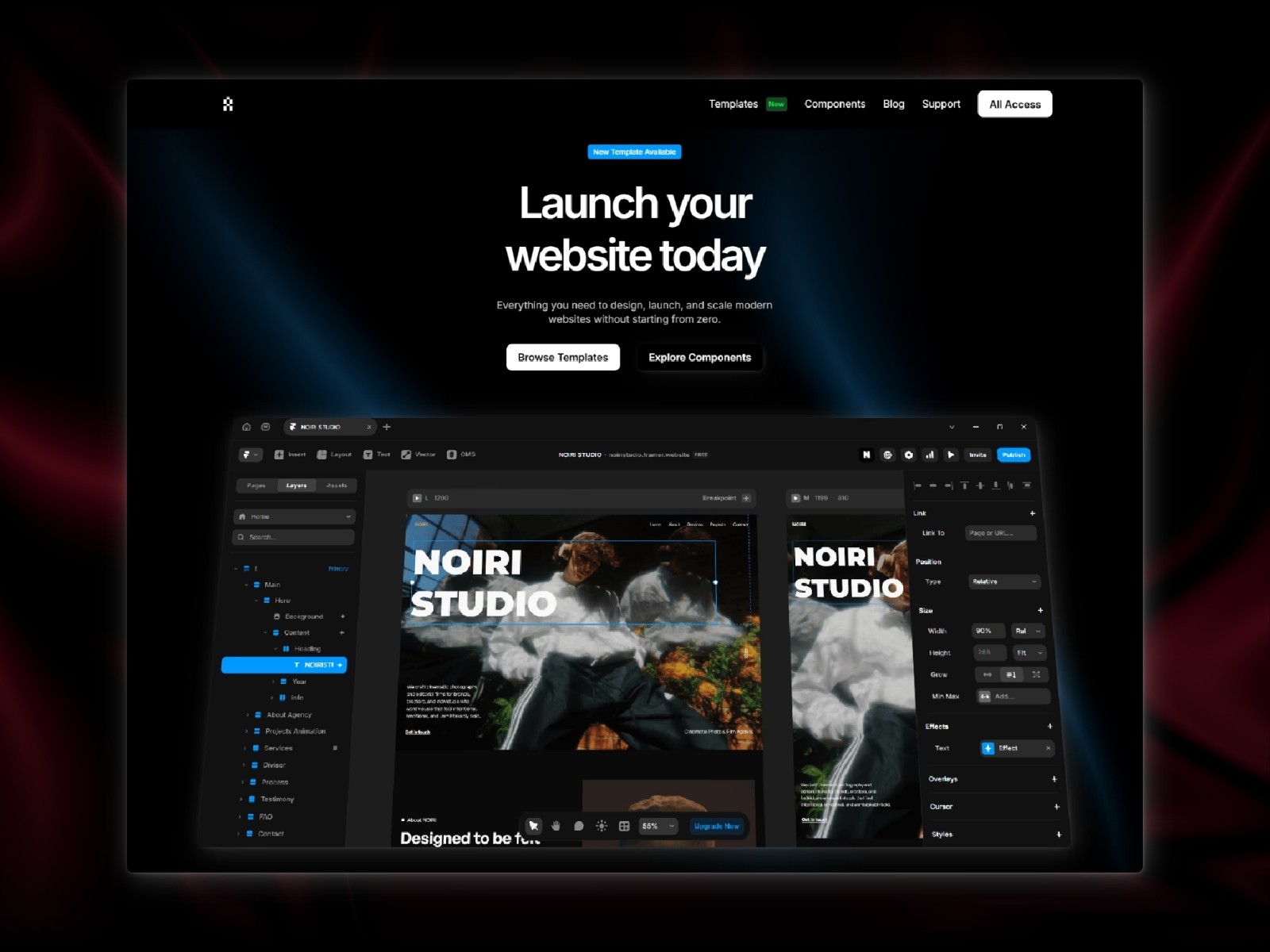
Framer Performance
How to Make Your Framer Website Load Faster

Website speed plays a big role in how users experience your site. A slow website can cause visitors to leave before they even see your content. In Framer, performance depends on how you structure your pages, use images, and manage elements. The good part is that small optimizations can make a noticeable difference.
Why Speed Matters
A fast website improves user experience, keeps visitors engaged, and can even help with search rankings. If your site loads quickly, people are more likely to stay, explore, and take action.
Optimize Your Images
Large images are one of the most common reasons websites feel slow. Try to use properly sized images instead of uploading very large files. Keeping a balance between quality and size is key. Consistent image formats and compression can help reduce loading time.
Reduce Unnecessary Elements
Too many animations, heavy sections, or unused components can slow down your site. Keep your layout simple and only include what is necessary. A cleaner structure not only improves speed but also makes your design feel more focused.
Limit Heavy Animations
Animations can improve the experience, but too many can affect performance. Use animations with intention and avoid stacking multiple effects in the same section. Subtle motion often feels better and performs better.
Keep Sections Clean
Organized sections help your website load more efficiently. Avoid deeply nested elements and keep your structure simple. This makes your site easier to manage and faster to render.
Conclusion
Improving performance in Framer is about making smarter design choices. By optimizing images, simplifying layouts, and using animations carefully, you can create a faster and smoother experience.