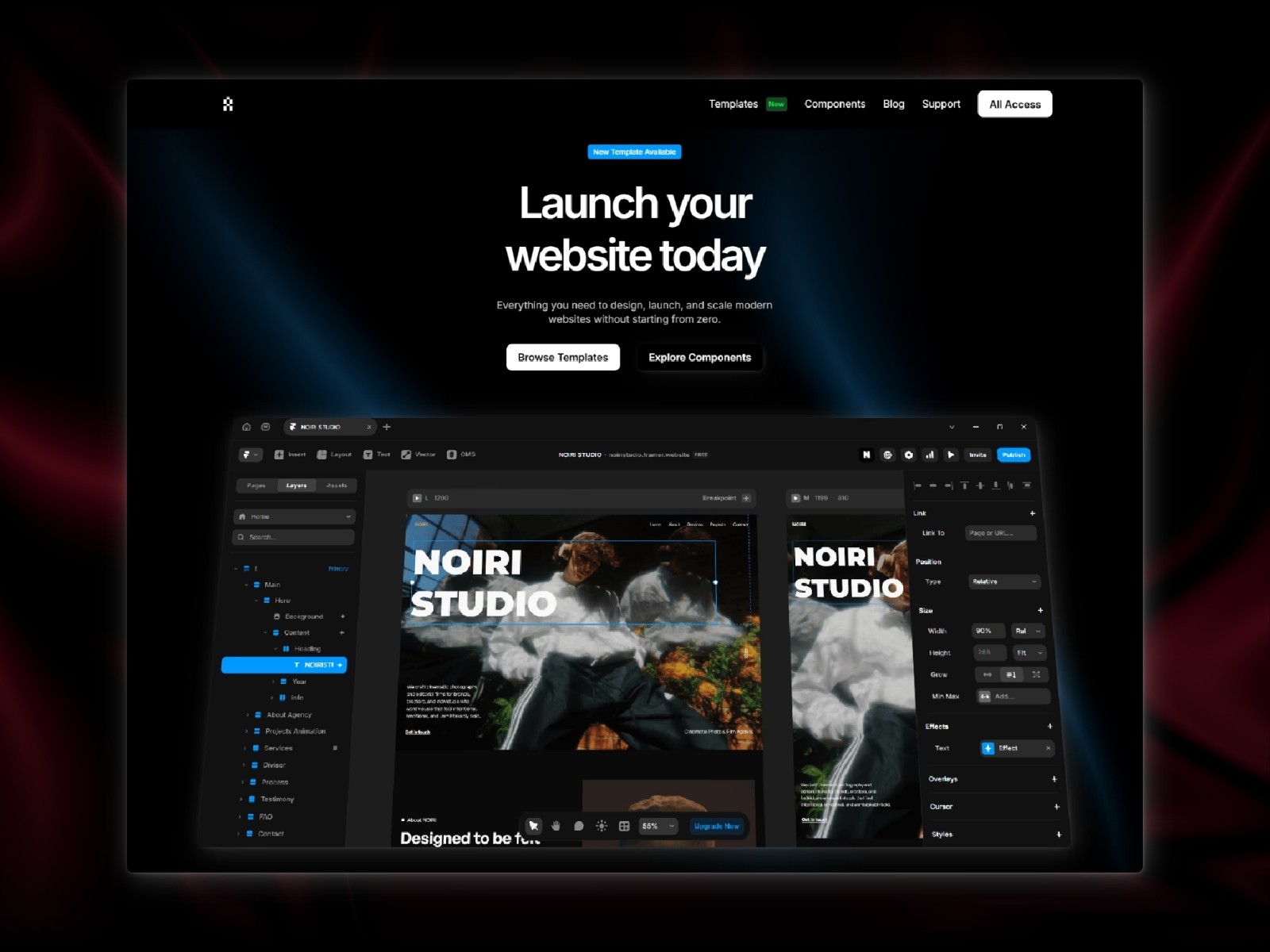
Framer Workflow
How to Work Faster When Building in Framer

Building in Framer can be fast, but your workflow makes a big difference. Having a clear process helps you move quicker, stay organized, and avoid repeating work.
Start with a Structure
Before designing, it helps to define your page structure. Think about sections like hero, features, testimonials, and contact. Starting with a clear layout saves time later.
Reuse Sections
Instead of building everything from scratch, reuse sections across your pages. This keeps your design consistent and speeds up the process. Templates are especially useful for this.
Keep Styles Consistent
Using consistent styles for text, spacing, and colors helps you work faster. You won’t need to adjust every element manually. It also makes your final design feel more professional.
Focus on Content First
It’s easy to get distracted by design details.Try to focus on content first, then refine the visuals. This helps you move forward without getting stuck.
Avoid Overdesigning
Adding too many elements can slow you down. Simple layouts are faster to build and often look better. Focus on clarity instead of complexity.
Conclusion
A better workflow makes building in Framer faster and more enjoyable. By planning ahead, reusing sections, and keeping things simple, you can build high-quality websites in less time.